Fake Email for Facebook
Facebook asks for an address before it lets you in, and it does check that the address exists — it sends a code to it. That is the whole requirement: the mailbox has to be real and you have to be able to read it. It does not have to be yours in any other sense.
Below is the order that works, and the two places where people usually get stuck.
1. Open a fresh window first
Use a private / incognito window. Not for secrecy — for a clean slate: no leftover session, no half-finished sign-up, no cookies from an account you already have open. Sign-up forms behave differently when they can see one.
2. Match the name to where your connection appears to be
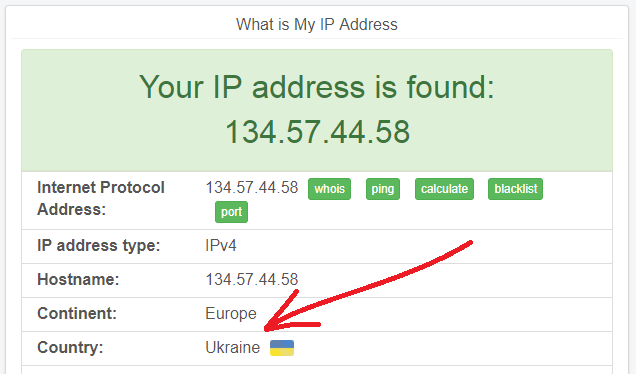
This is the step most people skip, and it is the one that makes a new account look odd. Facebook sees the country of your IP address. If the connection comes out in one country and the name looks like it belongs to another, the account starts life looking inconsistent.
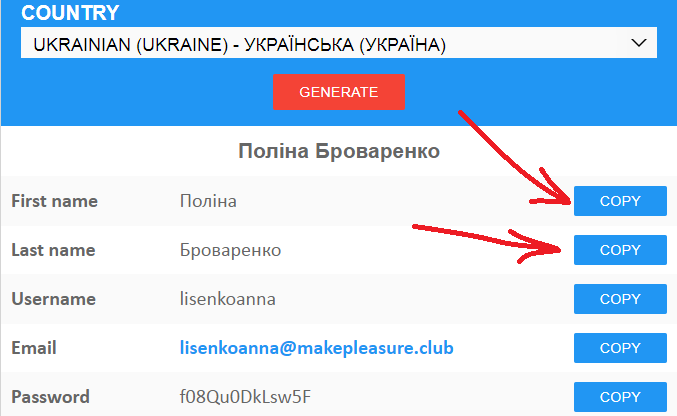
Check where your connection actually appears — a VPN or public Wi-Fi may put you somewhere you are not — and then pick a name that fits that country rather than one that fits you.
3. Take the address — and choose the domain deliberately
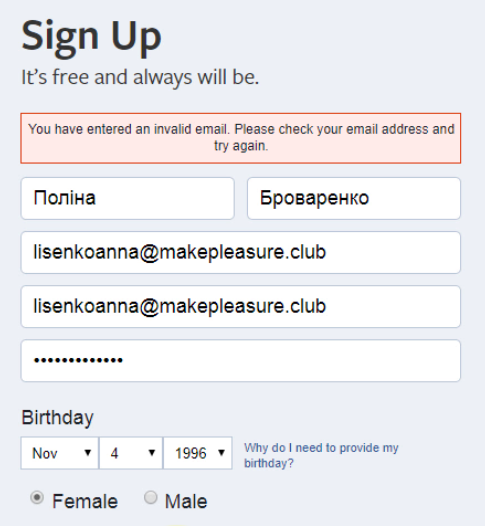
Edit the username in front of the @ so it reads like the name you just chose: firstname.lastname looks like an ordinary address, because that is what it is. A random string works equally well technically, but it looks like exactly what it is.
The part after the @ matters more. Some domains are better known than others, and the well-known ones are the first to end up on sign-up block-lists. If you have a choice — and here you do — take a quieter one.
4. Read the code
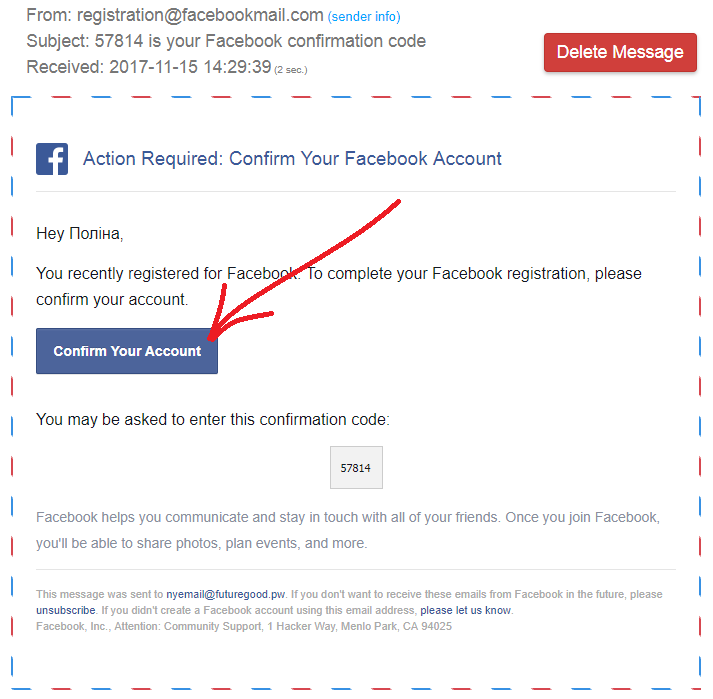
Facebook redirects to “Enter the code from your email”. Leave this site open in another tab: the message appears on the page by itself, usually within a second or two, with no refreshing.
If the address is refused
If the code does not arrive
That is a different problem, and it has a different answer. Nothing was refused — the message simply is not landing, which usually means the domain is not accepting mail right now. The domain debugger reads the live DNS and says whether mail can reach it at all; what to do when a domain stops working covers the rest.
Keeping the address
A generated mailbox lasts a few days. If the account is worth returning to, attach a domain of your own instead — then the address stays as long as the domain does, and nobody has had a chance to put it on a list. It is one MX record.